
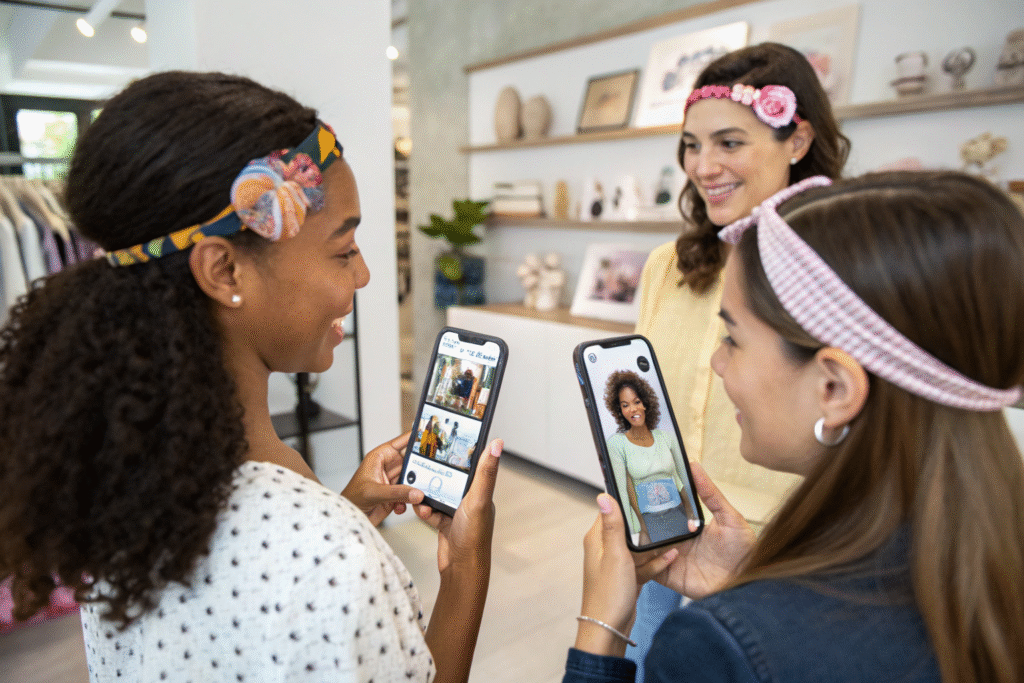
The integration of Augmented Reality (AR) technology into the hair accessories shopping experience represents a revolutionary advancement in how consumers interact with products before purchase. As e-commerce continues to dominate retail, manufacturers face the challenge of bridging the physical experience gap that often leads to hesitation and returns.
Manufacturers can develop AR try-on tools for hair accessories through 3D product modeling, facial mapping technology, real-time rendering engines, and mobile-optimized AR platforms. The most successful implementations combine accurate hair and head tracking, realistic material simulation, and seamless e-commerce integration to create immersive virtual try-on experiences that drive conversion rates and reduce returns. Advanced AR systems can now handle various hair types, styles, and accessories with remarkable accuracy, from simple clips to elaborate headpieces.
Developing effective AR try-on tools requires specialized expertise in both 3D technology and hair accessory design. Let's explore the technical requirements, development processes, and implementation strategies for creating compelling virtual try-on experiences.
What Technical Foundations Support AR Try-On Development?
Building reliable AR try-on tools requires a robust technical foundation that can handle the complexities of hair simulation, facial recognition, and real-time rendering. The architecture must balance performance with visual fidelity across diverse devices and conditions.
Successful AR implementation depends on selecting appropriate technologies and frameworks that can accurately map accessories to the unique contours of individual users' heads and hair.
Which AR Platforms and Frameworks Are Most Effective?
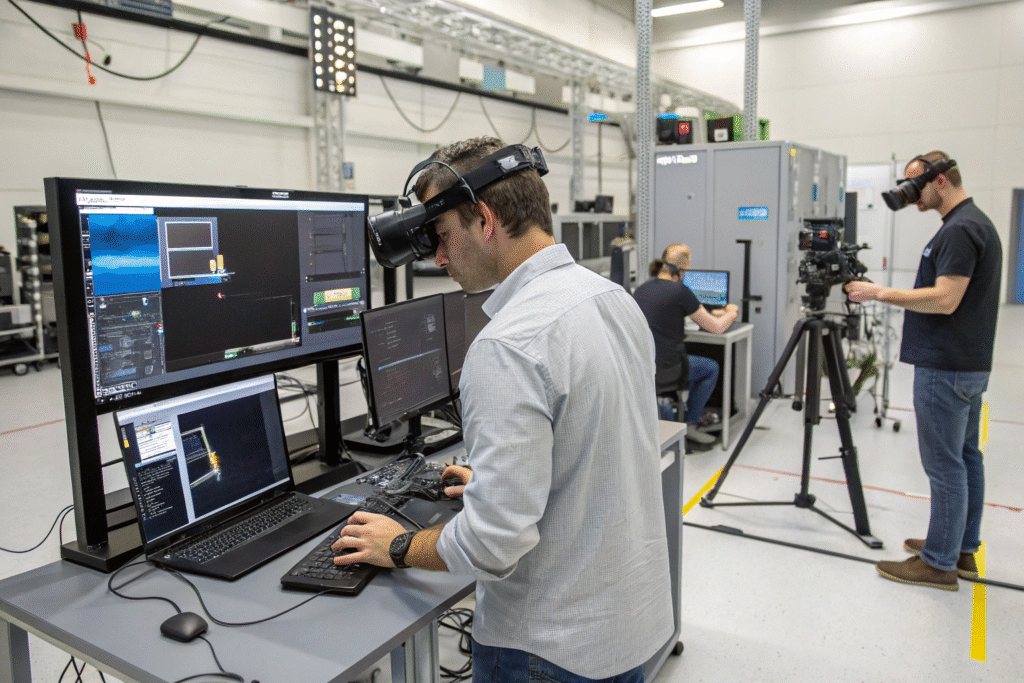
ARKit (iOS) and ARCore (Android) provide the fundamental building blocks for mobile AR experiences with advanced face tracking and environmental understanding. Unity 3D with AR Foundation offers a cross-platform solution that streamlines development for both major mobile operating systems. WebAR using libraries like 8th Wall enables try-on experiences directly through web browsers without app downloads. Custom native development provides optimal performance for complex hair and accessory simulations but requires greater technical investment.
How Does 3D Modeling Impact AR Accuracy?
Photogrammetry techniques create highly detailed 3D models from physical product samples, ensuring digital twins match real accessories precisely. Polygon optimization balances visual quality with performance, maintaining detail while ensuring smooth operation on mobile devices. Material capture systems accurately reproduce how light interacts with different surfaces like metal, plastic, or fabric. Scalable asset pipelines allow for efficient addition of new products to the AR catalog as collections expand.
What Hair and Head Tracking Technologies Enable Realistic Placement?
Accurate placement of virtual hair accessories presents unique challenges due to the complexity and variability of human hair. Advanced tracking technologies must accommodate different hair types, styles, and movements.
The most convincing AR experiences seamlessly integrate digital accessories with real-world hair, accounting for occlusion, movement, and lighting conditions.
How Do Facial Mapping Systems Work with Hair Accessories?
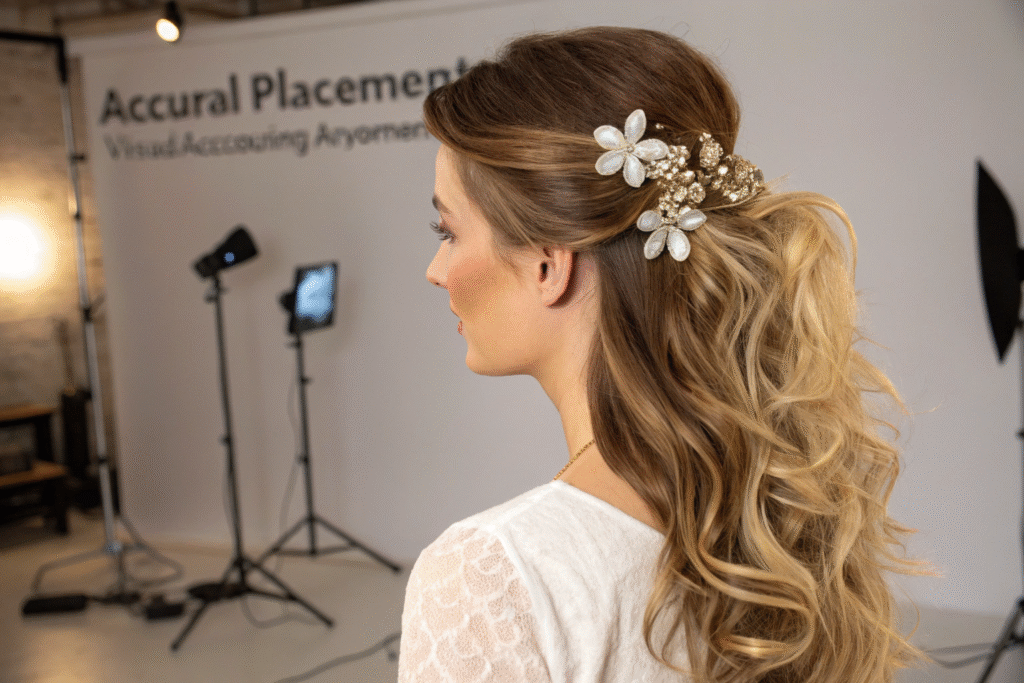
Facial landmark detection identifies key points around the hairline, ears, and head shape to establish anchor points for accessory placement. Hairline recognition algorithms map the boundary between face and hair to ensure natural-looking placement of headbands and front-facing accessories. Occlusion handling allows virtual accessories to appear behind real hair strands when appropriate, creating depth and realism. Scalp tracking follows head curvature and movement to maintain consistent positioning during user motion.
What Hair-Specific Tracking Methods Improve Accuracy?
Strand-level simulation creates realistic interactions between virtual accessories and real hair movement, though this requires significant processing power. Volume estimation calculates hair mass and density to determine how accessories should settle and interact with different hair types. Style recognition identifies common hairstyles (ponytails, buns, braids) to adjust accessory placement and orientation accordingly. Real-time adjustment continuously refines positioning based on user movement and changing lighting conditions.
How Can Manufacturers Create Realistic Material Simulations?
The visual appeal of hair accessories depends heavily on how materials interact with light and environment. Realistic rendering of different materials significantly enhances the try-on experience and builds consumer confidence.
Material simulation must account for various fabric types, metals, plastics, and decorative elements that characterize different hair accessories.
What Rendering Techniques Create Convincing Materials?
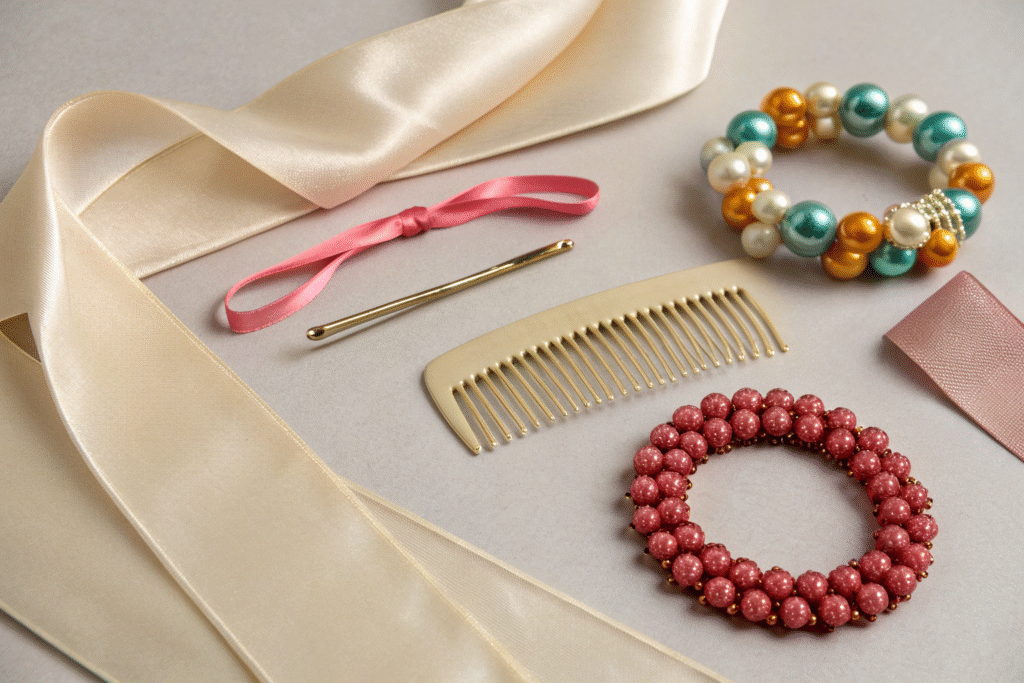
Physically-Based Rendering (PBR) accurately simulates how light interacts with different material properties like metallicity, roughness, and reflectivity. Real-time environment mapping reflects the user's actual surroundings onto shiny materials like metal clips or crystal elements. Subsurface scattering replicates how light penetrates and diffuses through materials like pearls or semi-transparent plastics. Anisotropic highlights properly render brushed metals and specialized surfaces that reflect light directionally.
How Do Lighting and Shadow Systems Enhance Realism?
Dynamic lighting adjustment matches the virtual accessory lighting to the user's actual environment for seamless integration. Real-time shadow casting ensures accessories cast appropriate shadows on hair and scalp, reinforcing their physical presence. Ambient occlusion creates natural-looking contact shadows where accessories meet hair or skin. Reflection probes capture the environment to create believable reflections on shiny materials without heavy computational requirements.
What User Experience Considerations Drive Adoption?
Technical sophistication alone doesn't guarantee user adoption. The AR try-on experience must be intuitive, valuable, and enjoyable for users across different demographics and technical proficiency levels.
Successful AR implementations prioritize user experience design that minimizes friction while maximizing the utility and delight of virtual try-on.
What Interface Elements Improve Usability?
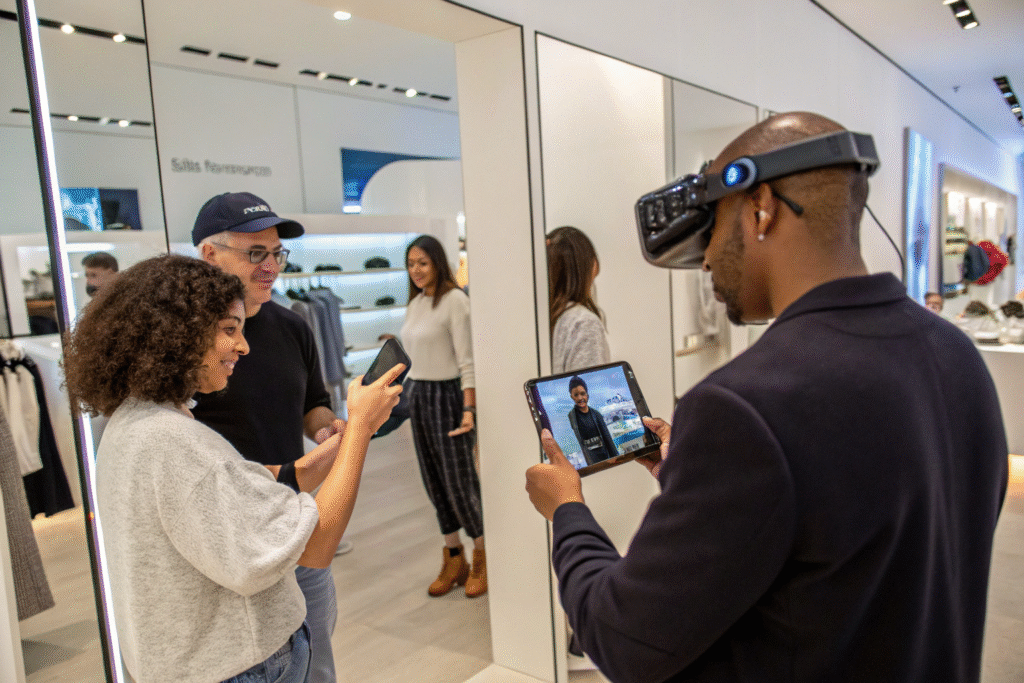
Minimalist UI design keeps the focus on the try-on experience while providing necessary controls without clutter. One-tap try-on functionality allows instant application of accessories without complex selection processes. Visual comparison tools enable side-by-side viewing of multiple accessories or before/after comparisons. Gesture controls provide intuitive ways to rotate, resize, or adjust virtual accessories using natural hand movements.
How Can Accessibility Features Broaden User Base?
Voice control options assist users with mobility challenges or those who prefer hands-free operation. High contrast modes improve visibility for users with visual impairments. Haptic feedback provides tactile confirmation of interactions for enhanced usability. Multiple navigation options accommodate different user preferences and physical abilities.
What Integration Strategies Connect AR to E-Commerce?
For manufacturers, the ultimate value of AR try-on tools lies in their ability to drive sales and reduce returns. Seamless integration with existing e-commerce systems is essential for realizing these business benefits.
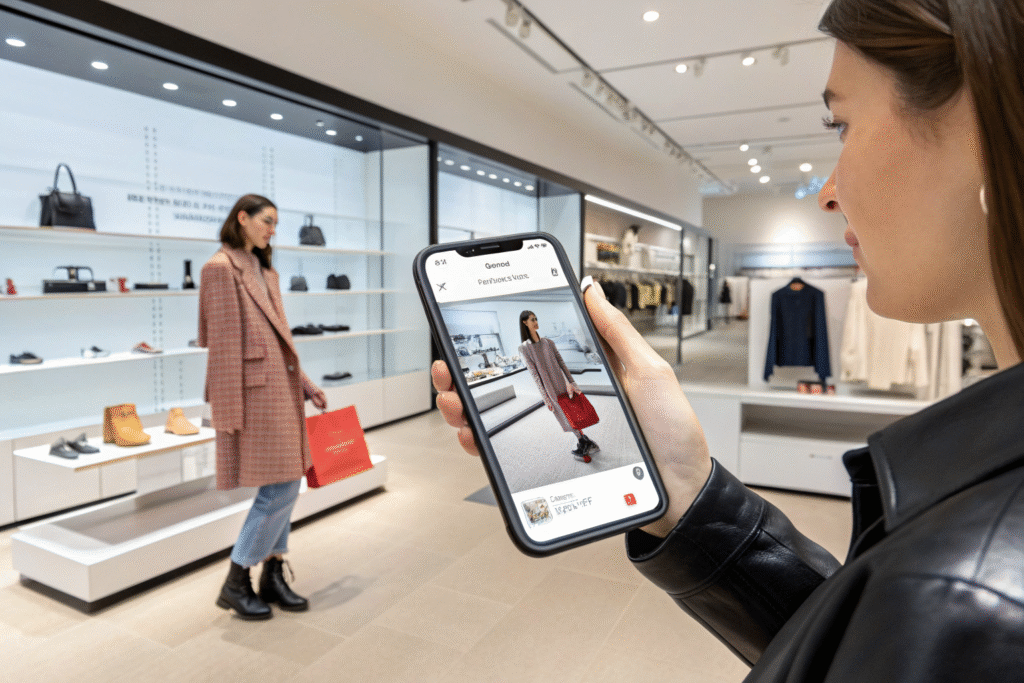
Effective AR implementations bridge the gap between virtual experience and purchase action through thoughtful integration points.
How Can AR Data Inform Product Development?
Try-on analytics reveal which styles, colors, and placements generate the most engagement and conversions. Fit and sizing data collected from AR sessions helps refine product dimensions and design. Popular combination tracking identifies which accessories users frequently try together, suggesting potential sets or bundles. Return reason analysis correlates AR usage with return rates to identify design or representation issues.
What Technical Architecture Supports Scalable Implementation?
Cloud-based rendering offloads processing requirements from user devices, enabling more complex simulations. Content Delivery Networks (CDNs) ensure fast loading of 3D models and textures globally. API integration connects AR experiences with inventory management, pricing, and recommendation systems. Modular architecture allows continuous improvement of individual components without rebuilding the entire system.
Conclusion
Developing effective AR try-on tools for hair accessories requires a multidisciplinary approach combining 3D modeling, computer vision, material science, and user experience design. The most successful implementations create seamless, enjoyable experiences that genuinely help consumers make confident purchasing decisions while providing valuable data back to manufacturers.
As AR technology continues to advance, the gap between virtual try-on and physical experience will narrow further, potentially transforming how consumers discover, try, and purchase hair accessories. Manufacturers who invest in these capabilities now position themselves at the forefront of the increasingly digital retail landscape.
If you're interested in developing AR try-on capabilities for your hair accessory products, we specialize in creating immersive virtual experiences that drive engagement and sales. Contact our Business Director, Elaine, at elaine@fumaoclothing.com to discuss your AR development needs and see demonstrations of our existing virtual try-on technology. We bridge the gap between physical products and digital experiences.